Stable Diffusion 3 Medium (GGUF) by Stability AI is a 2.5 billion parameter text-to-image generation model designed for efficient local deployment. This model excels in generating high-quality images from textual descriptions, making it a solid choice for artists, designers, and hobbyists who need a reliable tool for creative projects without the need for cloud services. The mmdit-diffusion architecture ensures that the model can produce detailed and contextually relevant images, though the exact context length is unknown, which might affect longer or more complex prompts.
In its size class, Stable Diffusion 3 Medium (GGUF) punches well above its weight. It offers a good balance between performance and resource efficiency, making it a practical option for users with mid-range hardware. Despite having fewer parameters than larger models, it maintains a high level of image quality and detail, often rivaling the output of more resource-intensive models. The Q8_0 quantization further enhances its efficiency, requiring only 9.2 GB of VRAM, which is manageable for most modern GPUs. This makes it an excellent choice for users who want to leverage powerful AI capabilities without investing in top-tier hardware. Ideal users include those with GPUs like the RTX 2060 or higher, ensuring smooth and fast generation times.
| Quantization | Bits | File Size | VRAM Needed | RAM Needed | Quality |
|---|---|---|---|---|---|
| Q8_0 | 8 | 8.653 GB | 9.15 GB | 9.65 GB | 95% |
How to run Stable Diffusion 3 Medium (GGUF)
Pick a runtime — copy & paste. Commands are pre-filled with this model’s repo.
Official Hugging Face pipeline. Best quality & sampler control.
🤗 Diffusers home →- 1
Install
pip install diffusers transformers accelerate torch - 2
Run
from diffusers import DiffusionPipeline pipe = DiffusionPipeline.from_pretrained("stabilityai/stable-diffusion-3-medium").to("cuda") img = pipe("a futuristic city").images[0]Pipeline class auto-detects (StableDiffusion, FluxPipeline, etc.).
Community benchmarks
Real seconds-per-image reports from people running Stable Diffusion 3 Medium (GGUF) on actual hardware.
| GPU | Measured s/img | Reports | Typical setup |
|---|---|---|---|
| RTX 4090 | 8.9 | 1 | Q8 · ComfyUI · Linux |
Try It — Diffusion Generation Demo
Click "Generate" to watch how a diffusion model builds an image from noise. Samples below were generated with Flux.1 Schnell — Stable Diffusion 3 Medium (GGUF) samples aren't generated yet.

"A cozy wooden cabin in snowy mountains at golden hour sunset"

"A friendly humanoid robot reading a book in a library"
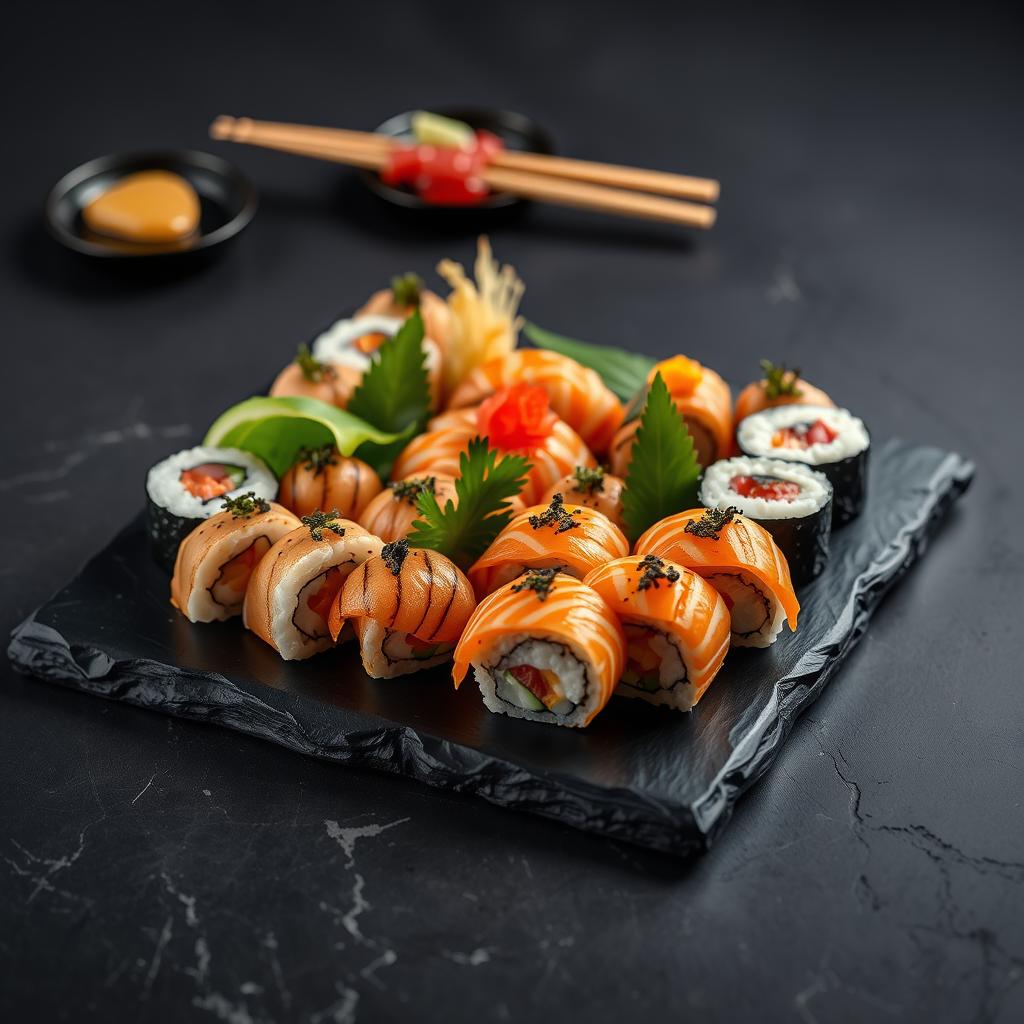
"Gourmet sushi platter, professional food photography"

"Woman scientist in a modern lab, natural lighting"
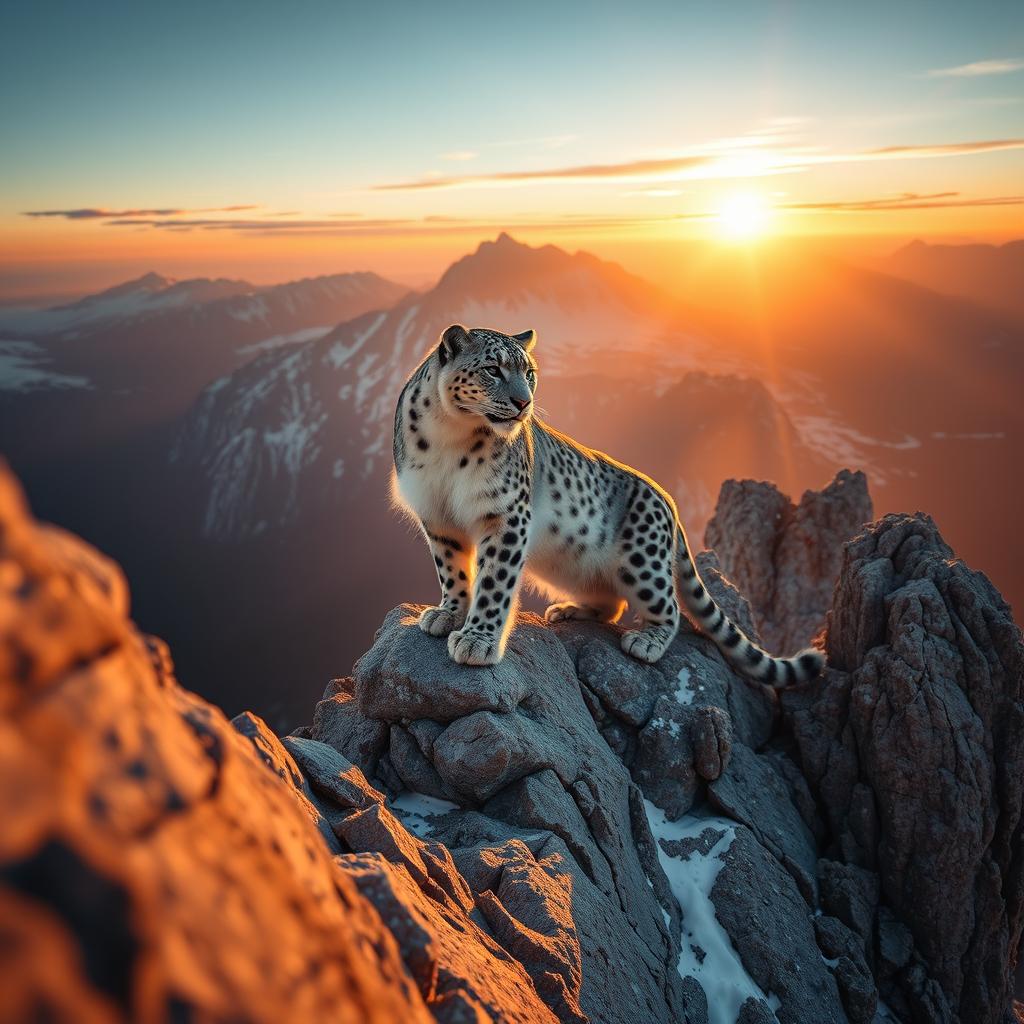
"Snow leopard on mountain peak at dawn, golden rim light"
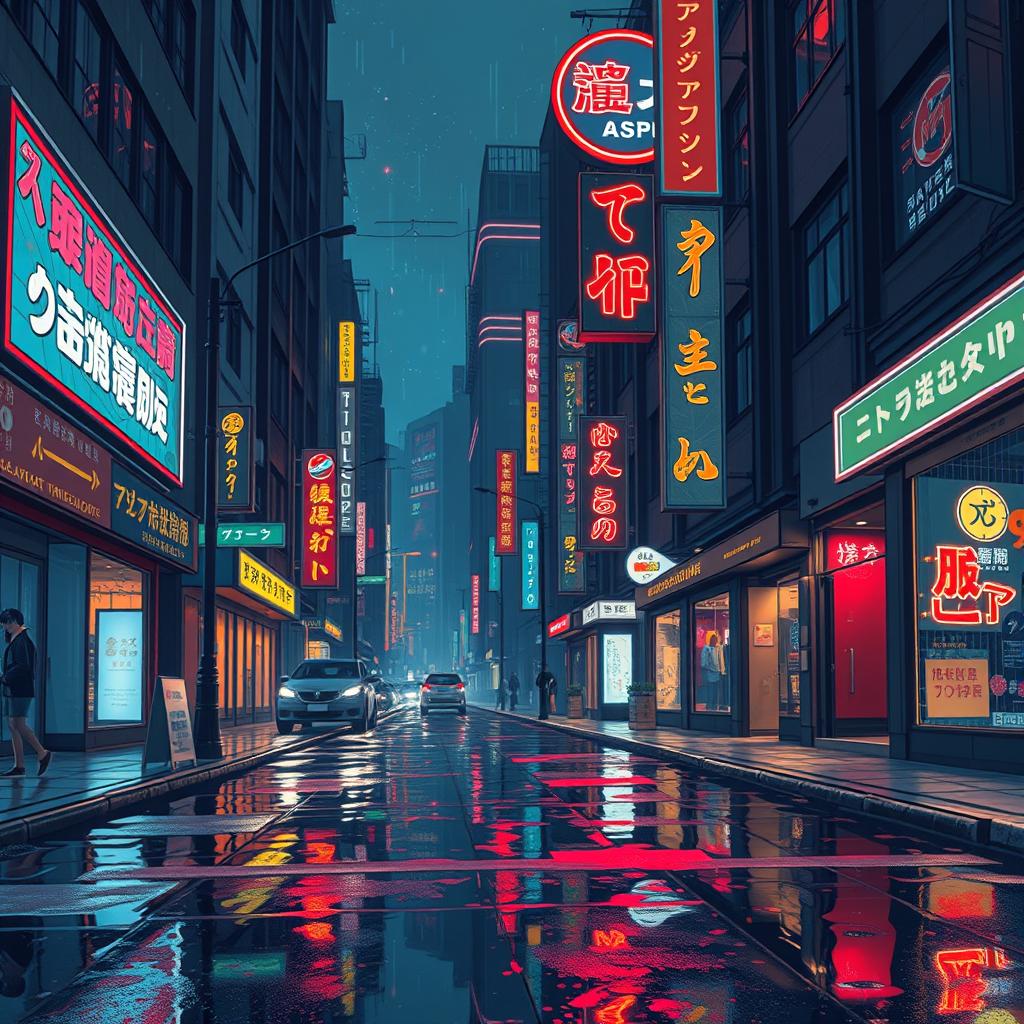
"Cyberpunk city at night, neon signs, rain reflections"
Animation simulates the diffusion denoising process at recorded generation speed. Actual generation requires GPU hardware or cloud service.
how much VRAM do I need to run Stable Diffusion 3 Medium (GGUF)?
Stable Diffusion 3 Medium (GGUF) requires 9.15 GB VRAM minimum with Q8_0 quantization. For full precision you need 9.15 GB.
which quant should I pick?
Q4_K_M is the best quality/VRAM balance — ~92% of FP16 quality at ~25% the footprint. Q8_0 is near-lossless if you have the headroom.
What GPU do I need to run Stable Diffusion 3 Medium (GGUF)?
To run Stable Diffusion 3 Medium (GGUF), you need a GPU with at least 9.2 GB of VRAM. NVIDIA GPUs like the RTX 3060 or higher are recommended.
Is Stable Diffusion 3 Medium (GGUF) good for coding?
Stable Diffusion 3 Medium (GGUF) is primarily designed for generating images, not for coding tasks. It excels in text-to-image generation but is not suitable for programming assistance.
Stable Diffusion 3 Medium (GGUF) vs Llama 3.1 8B?
Stable Diffusion 3 Medium (GGUF) focuses on image generation, while Llama 3.1 8B is a language model. They serve different purposes and are not directly comparable.
Can I run Stable Diffusion 3 Medium (GGUF) on a Mac?
Yes, you can run Stable Diffusion 3 Medium (GGUF) on a Mac with a compatible GPU. Ensure your Mac has at least 9.2 GB of VRAM and the necessary drivers installed.
How much VRAM does Stable Diffusion 3 Medium (GGUF) need?
Stable Diffusion 3 Medium (GGUF) requires 9.2 GB of VRAM to run effectively. The VRAM requirement remains constant regardless of quantization level.
Is Stable Diffusion 3 Medium (GGUF) censored?
Stable Diffusion 3 Medium (GGUF) is not inherently censored, but it may include content filters to prevent the generation of inappropriate content. These filters can be adjusted based on user settings.
Is Stable Diffusion 3 Medium (GGUF) commercial-use allowed?
Stable Diffusion 3 Medium (GGUF) is licensed under the stability-community license, which generally allows commercial use. However, always review the specific terms of the license for any restrictions.
Stable Diffusion 3 Medium (GGUF) context length?
The context length for Stable Diffusion 3 Medium (GGUF) is currently unknown. This parameter typically affects the amount of text input the model can process.
Does Stable Diffusion 3 Medium (GGUF) support function calling?
Stable Diffusion 3 Medium (GGUF) does not support function calling as it is primarily an image generation model. Function calling is more relevant to language models.
Stable Diffusion 3 Medium (GGUF) quantization options?
Stable Diffusion 3 Medium (GGUF) supports quantization, which can reduce the model size and improve performance. Common quantization levels include INT8 and FP16.
Can Stable Diffusion 3 Medium (GGUF) run on CPU?
While it is possible to run Stable Diffusion 3 Medium (GGUF) on a CPU, it will be significantly slower compared to running on a GPU. A powerful CPU with multiple cores can help, but GPU acceleration is highly recommended.
Stable Diffusion 3 Medium (GGUF) fine-tuning?
Stable Diffusion 3 Medium (GGUF) can be fine-tuned to improve performance on specific tasks or datasets. Fine-tuning requires a dataset and a training environment, and it can enhance the model's capabilities.
Stable Diffusion 3 Medium (GGUF) system requirements?
To run Stable Diffusion 3 Medium (GGUF), you need a system with at least 9.2 GB of VRAM, a compatible GPU, and sufficient CPU and RAM. A modern operating system and the latest GPU drivers are also recommended.
Stable Diffusion 3 Medium (GGUF) performance benchmark?
Performance benchmarks for Stable Diffusion 3 Medium (GGUF) vary based on hardware. On a high-end GPU like the RTX 3090, it can generate images in a few seconds, but this can increase on less powerful hardware.
Stable Diffusion 3 Medium (GGUF) for RAG?
Stable Diffusion 3 Medium (GGUF) is not designed for Retrieval-Augmented Generation (RAG). It is primarily an image generation model and does not have the capabilities required for RAG tasks.
Stable Diffusion 3 Medium (GGUF) for agents?
Stable Diffusion 3 Medium (GGUF) can be used in agent-based systems for generating visual content, but it is not designed to handle complex decision-making or interaction tasks typically associated with agents.
Stable Diffusion 3 Medium (GGUF) for coding vs general?
Stable Diffusion 3 Medium (GGUF) is not suitable for coding tasks and is primarily designed for general image generation. For coding assistance, consider using a language model like Codex or Llama.
Stable Diffusion 3 Medium (GGUF) vs ChatGPT?
Stable Diffusion 3 Medium (GGUF) is an image generation model, while ChatGPT is a language model. They serve different purposes and are not directly comparable. Choose based on your specific needs.
Stable Diffusion 3 Medium (GGUF) download size?
The download size for Stable Diffusion 3 Medium (GGUF) is approximately 2.5 GB. This includes the model weights and necessary files for local execution.
Best quant for Stable Diffusion 3 Medium (GGUF)?
The best quantization level for Stable Diffusion 3 Medium (GGUF) depends on your specific use case. INT8 offers a good balance between performance and accuracy, while FP16 provides higher precision at the cost of increased VRAM usage.