Stable Diffusion 1.5 (CoreML) by Runway is a powerful text-to-image generation model optimized for local deployment, particularly on Apple devices. With 0.86 billion parameters, this model strikes a balance between performance and resource efficiency, making it suitable for generating high-quality images from textual descriptions. It excels in creating detailed and diverse visual content, from realistic landscapes to abstract art, and is known for its ability to maintain coherence and aesthetic quality across a wide range of prompts. The CoreML optimization ensures smooth operation on Apple's hardware, leveraging the efficiency of the M1 and newer chips.
Compared to other models in its size class, Stable Diffusion 1.5 (CoreML) punches well above its weight. It offers impressive results with relatively low VRAM requirements (2.5 GB), making it accessible to a broader range of users without the need for high-end graphics cards. This efficiency is particularly notable, as it allows for real-time or near-real-time image generation on consumer-grade hardware. Ideal for artists, designers, and hobbyists looking to create visual content locally, this model is best suited for those with Apple devices, especially Macs and iPads equipped with M1 or later processors. Its robust performance and ease of use make it a go-to choice for anyone seeking a balance between quality and computational resources.
| Quantization | Bits | File Size | VRAM Needed | RAM Needed | Quality |
|---|---|---|---|---|---|
| CoreML-Palettized | 6 | 1.46 GB | 2.5 GB | 4 GB | 90% |
How to run Stable Diffusion 1.5 (CoreML)
Pick a runtime — copy & paste. Commands are pre-filled with this model’s repo.
Official Hugging Face pipeline. Best quality & sampler control.
🤗 Diffusers home →- 1
Install
pip install diffusers transformers accelerate torch - 2
Run
from diffusers import DiffusionPipeline pipe = DiffusionPipeline.from_pretrained("runwayml/stable-diffusion-v1-5").to("cuda") img = pipe("a futuristic city").images[0]Pipeline class auto-detects (StableDiffusion, FluxPipeline, etc.).
Community benchmarks
Real seconds-per-image reports from people running Stable Diffusion 1.5 (CoreML) on actual hardware.
No community runs yet for this model. Be the first to submit your numbers.
Try It — Diffusion Generation Demo
Click "Generate" to watch how a diffusion model builds an image from noise. Samples below were generated with Flux.1 Schnell — Stable Diffusion 1.5 (CoreML) samples aren't generated yet.

"A cozy wooden cabin in snowy mountains at golden hour sunset"

"A friendly humanoid robot reading a book in a library"
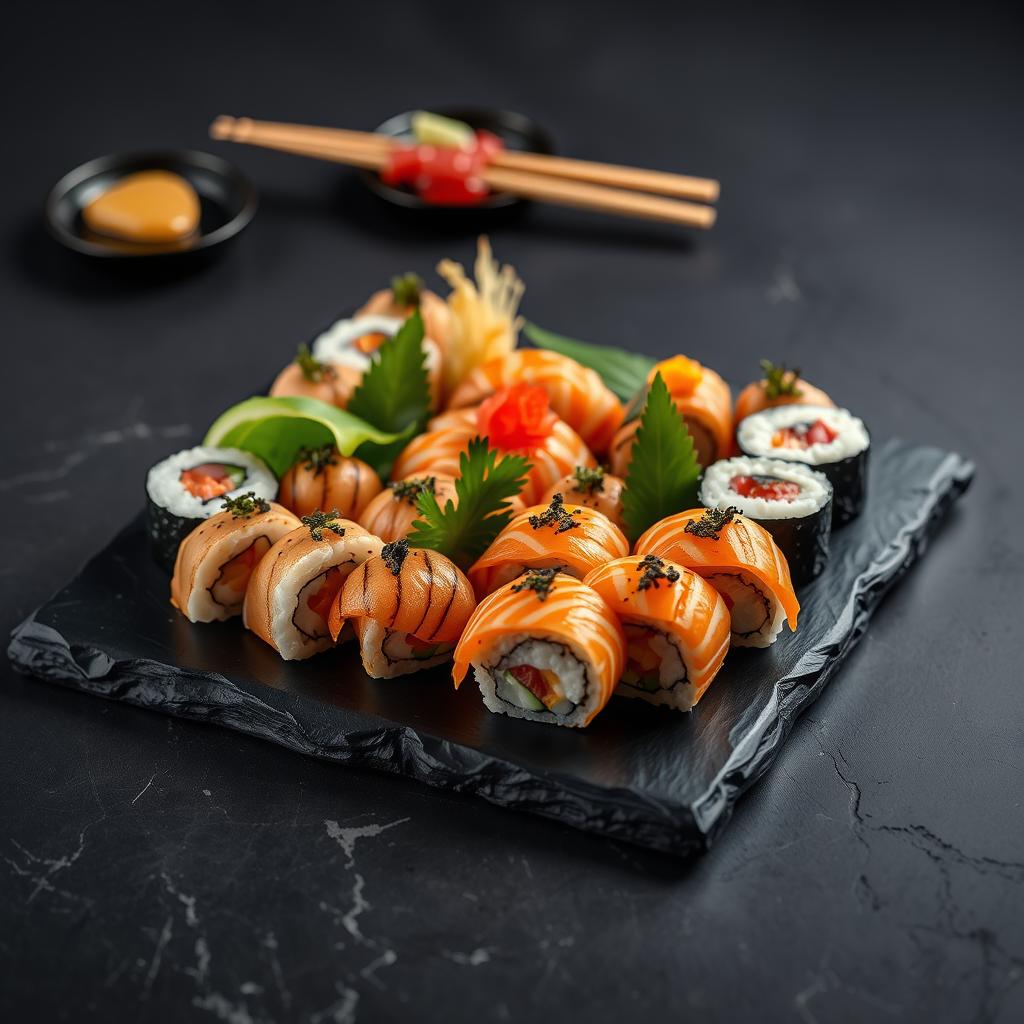
"Gourmet sushi platter, professional food photography"

"Woman scientist in a modern lab, natural lighting"
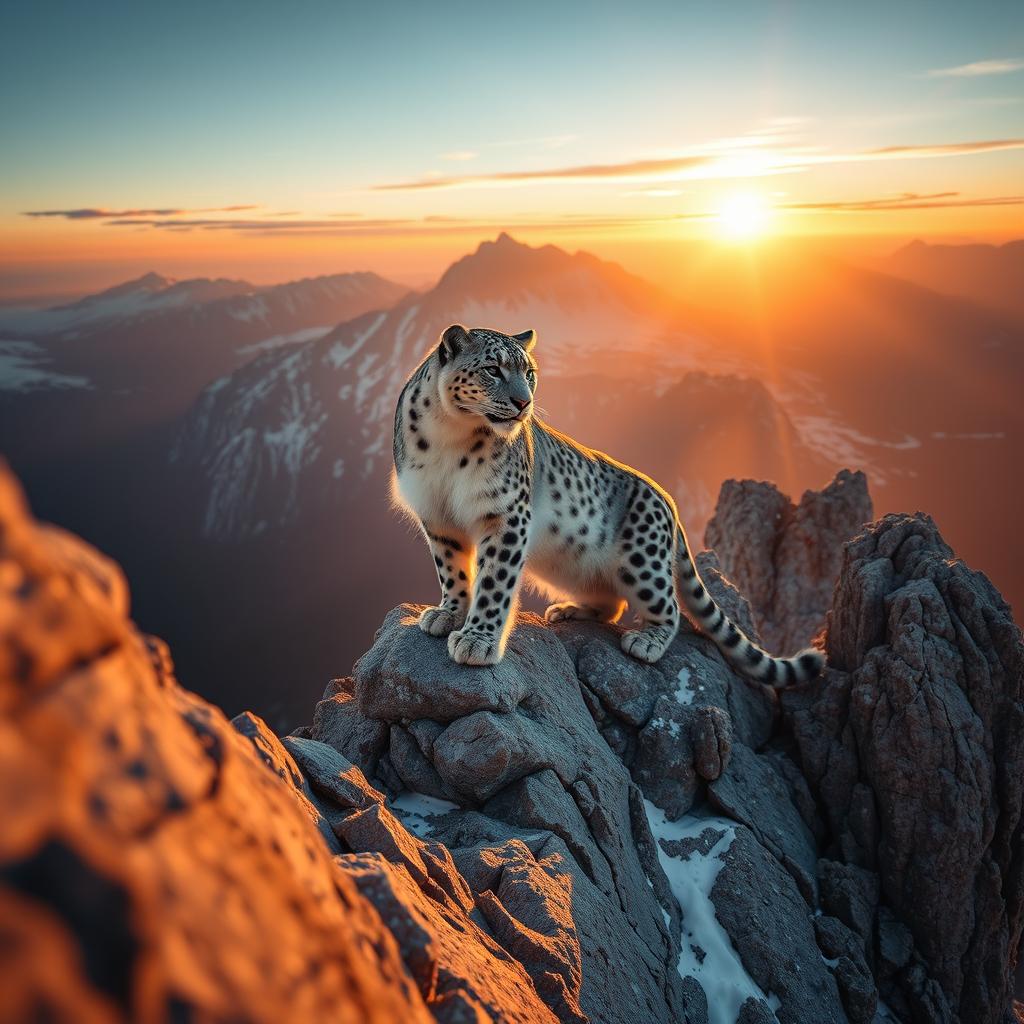
"Snow leopard on mountain peak at dawn, golden rim light"

"Cyberpunk city at night, neon signs, rain reflections"
Animation simulates the diffusion denoising process at recorded generation speed. Actual generation requires GPU hardware or cloud service.
how much VRAM do I need to run Stable Diffusion 1.5 (CoreML)?
Stable Diffusion 1.5 (CoreML) requires 2.5 GB VRAM minimum with CoreML-Palettized quantization. For full precision you need 2.5 GB.
which quant should I pick?
Q4_K_M is the best quality/VRAM balance — ~92% of FP16 quality at ~25% the footprint. Q8_0 is near-lossless if you have the headroom.
What GPU do I need to run Stable Diffusion 1.5 (CoreML)?
Stable Diffusion 1.5 (CoreML) is optimized for iOS and macOS devices, so you don't need a specific GPU. It leverages Apple's Metal Performance Shaders for efficient execution on supported devices.
Is Stable Diffusion 1.5 (CoreML) good for coding?
Stable Diffusion 1.5 (CoreML) is primarily designed for image generation, not coding. It can generate images based on text prompts but is not suitable for code generation or programming tasks.
Stable Diffusion 1.5 (CoreML) vs Llama 3.1 8B?
Stable Diffusion 1.5 (CoreML) is an image generation model, while Llama 3.1 8B is a language model. They serve different purposes and are not directly comparable in terms of functionality or performance.
Can I run Stable Diffusion 1.5 (CoreML) on a Mac?
Yes, Stable Diffusion 1.5 (CoreML) is specifically optimized for macOS and iOS devices. It runs efficiently on these platforms using Apple's Core ML framework.
How much VRAM does Stable Diffusion 1.5 (CoreML) need?
Stable Diffusion 1.5 (CoreML) requires approximately 2.5 GB of VRAM, which is consistent across different quantization levels.
Is Stable Diffusion 1.5 (CoreML) censored?
Stable Diffusion 1.5 (CoreML) is subject to the CreativeML OpenRAIL-M license, which includes content guidelines to prevent the generation of harmful or inappropriate content.
Is Stable Diffusion 1.5 (CoreML) commercial-use allowed?
Yes, Stable Diffusion 1.5 (CoreML) can be used commercially under the terms of the CreativeML OpenRAIL-M license, provided you comply with its conditions and restrictions.
Stable Diffusion 1.5 (CoreML) context length?
The context length for Stable Diffusion 1.5 (CoreML) is not explicitly defined, as it is an image generation model and does not process text sequences in the same way as language models.
Does Stable Diffusion 1.5 (CoreML) support function calling?
No, Stable Diffusion 1.5 (CoreML) does not support function calling. It is designed for generating images from text prompts and does not have the capability to execute functions or scripts.
Stable Diffusion 1.5 (CoreML) quantization options?
Stable Diffusion 1.5 (CoreML) supports quantization to reduce model size and improve performance. The specific quantization options available depend on the tools and libraries used for conversion and deployment.
Can Stable Diffusion 1.5 (CoreML) run on CPU?
Yes, Stable Diffusion 1.5 (CoreML) can run on the CPU, but it will be significantly slower compared to running on a GPU or Apple Silicon. For optimal performance, use a device with a capable GPU or Apple Silicon chip.
Stable Diffusion 1.5 (CoreML) fine-tuning?
Fine-tuning Stable Diffusion 1.5 (CoreML) is possible, but it requires additional tools and expertise. You may need to convert the model back to a format that supports fine-tuning, such as PyTorch, before making adjustments.
Stable Diffusion 1.5 (CoreML) system requirements?
To run Stable Diffusion 1.5 (CoreML), you need an iOS or macOS device with at least 2.5 GB of VRAM and sufficient storage space. The exact requirements may vary depending on the device and other applications running simultaneously.
Stable Diffusion 1.5 (CoreML) performance benchmark?
Performance benchmarks for Stable Diffusion 1.5 (CoreML) can vary based on the device. On a recent MacBook Pro with an M1 chip, it typically generates images in a few seconds, but this can vary depending on the complexity of the prompt and the device's capabilities.
Stable Diffusion 1.5 (CoreML) for RAG?
Stable Diffusion 1.5 (CoreML) is not designed for Retrieval-Augmented Generation (RAG). It is an image generation model and does not have the capability to retrieve and integrate external information into its outputs.
Stable Diffusion 1.5 (CoreML) for agents?
Stable Diffusion 1.5 (CoreML) can be integrated into agent-based systems for tasks like generating visual content, but it is not designed to act as an agent itself. Its primary function is image generation based on text prompts.
Stable Diffusion 1.5 (CoreML) for coding vs general?
Stable Diffusion 1.5 (CoreML) is not suitable for coding tasks. It is a general-purpose image generation model that can create a wide range of images based on text descriptions but does not have the capability to generate or understand code.
Stable Diffusion 1.5 (CoreML) vs ChatGPT?
Stable Diffusion 1.5 (CoreML) is an image generation model, while ChatGPT is a language model designed for text-based conversations. They serve different purposes and are not directly comparable in terms of functionality or performance.
Stable Diffusion 1.5 (CoreML) download size?
The download size for Stable Diffusion 1.5 (CoreML) is approximately 0.86 GB. The model is pre-converted to CoreML and downloads as a zip file that auto-extracts upon download.
Best quant for Stable Diffusion 1.5 (CoreML)?
The best quantization option for Stable Diffusion 1.5 (CoreML) depends on your specific needs. For a balance between performance and quality, 16-bit quantization is often recommended, but 8-bit quantization can also be used for more significant size reductions with a slight trade-off in performance.