Stable Diffusion 1.5 (GGUF) is a lightweight version of the popular text-to-image model developed by Runway and optimized by GPUStack. With just 0.86 billion parameters, this model is designed to generate high-quality images from textual descriptions while maintaining a relatively small footprint. It excels in creating diverse and visually appealing images, making it suitable for artists, designers, and hobbyists who need a powerful yet efficient tool for generating visual content. The unet-diffusion architecture ensures that the model can produce detailed and contextually relevant images, even with limited computational resources.
In its size class, Stable Diffusion 1.5 (GGUF) punches well above its weight. Despite having fewer parameters compared to larger models like the full Stable Diffusion 1.5, it maintains a high level of performance and efficiency. This makes it an excellent choice for users with mid-range GPUs, as it requires only 2.1–2.3 GB of VRAM to run smoothly. The available quantizations (Q4_0, Q8_0) further enhance its efficiency, allowing for faster inference times without significant loss in image quality. Ideal users include those with limited hardware resources who still want to leverage the power of advanced text-to-image generation. Whether you're a casual user looking to create unique visuals or a professional needing a reliable tool for quick prototyping, this model offers a compelling balance of performance and accessibility.
| Quantization | Bits | File Size | VRAM Needed | RAM Needed | Quality |
|---|---|---|---|---|---|
| Q4_0 | 4 | 1.627 GB | 2.13 GB | 2.63 GB | 80% |
| Q8_0 | 8 | 1.752 GB | 2.25 GB | 2.75 GB | 95% |
How to run Stable Diffusion 1.5 (GGUF)
Pick a runtime — copy & paste. Commands are pre-filled with this model’s repo.
Official Hugging Face pipeline. Best quality & sampler control.
🤗 Diffusers home →- 1
Install
pip install diffusers transformers accelerate torch - 2
Run
from diffusers import DiffusionPipeline pipe = DiffusionPipeline.from_pretrained("gpustack/stable-diffusion-v1-5-GGUF").to("cuda") img = pipe("a futuristic city").images[0]Pipeline class auto-detects (StableDiffusion, FluxPipeline, etc.).
Community benchmarks
Real seconds-per-image reports from people running Stable Diffusion 1.5 (GGUF) on actual hardware.
No community runs yet for this model. Be the first to submit your numbers.
Try It — Diffusion Generation Demo
Click "Generate" to watch how a diffusion model builds an image from noise. Samples below were generated with Flux.1 Schnell — Stable Diffusion 1.5 (GGUF) samples aren't generated yet.
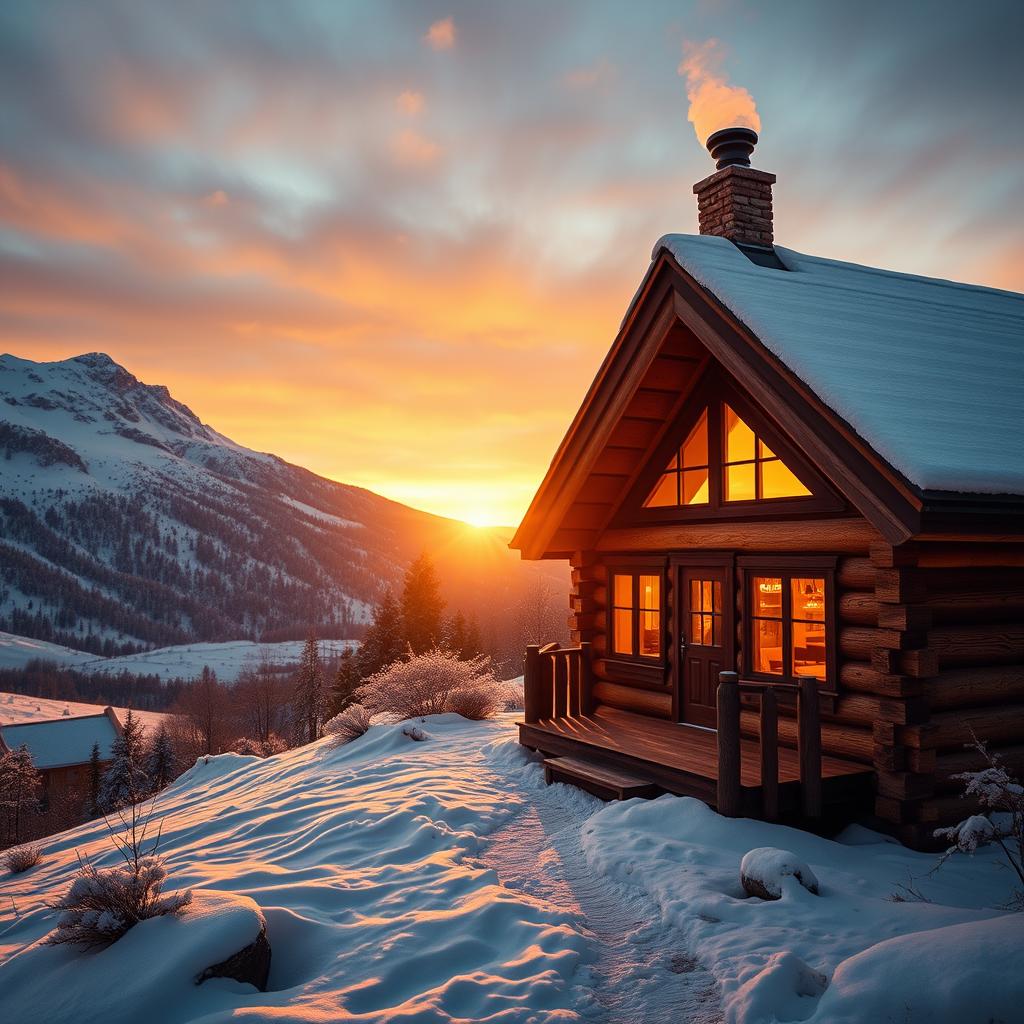
"A cozy wooden cabin in snowy mountains at golden hour sunset"

"A friendly humanoid robot reading a book in a library"
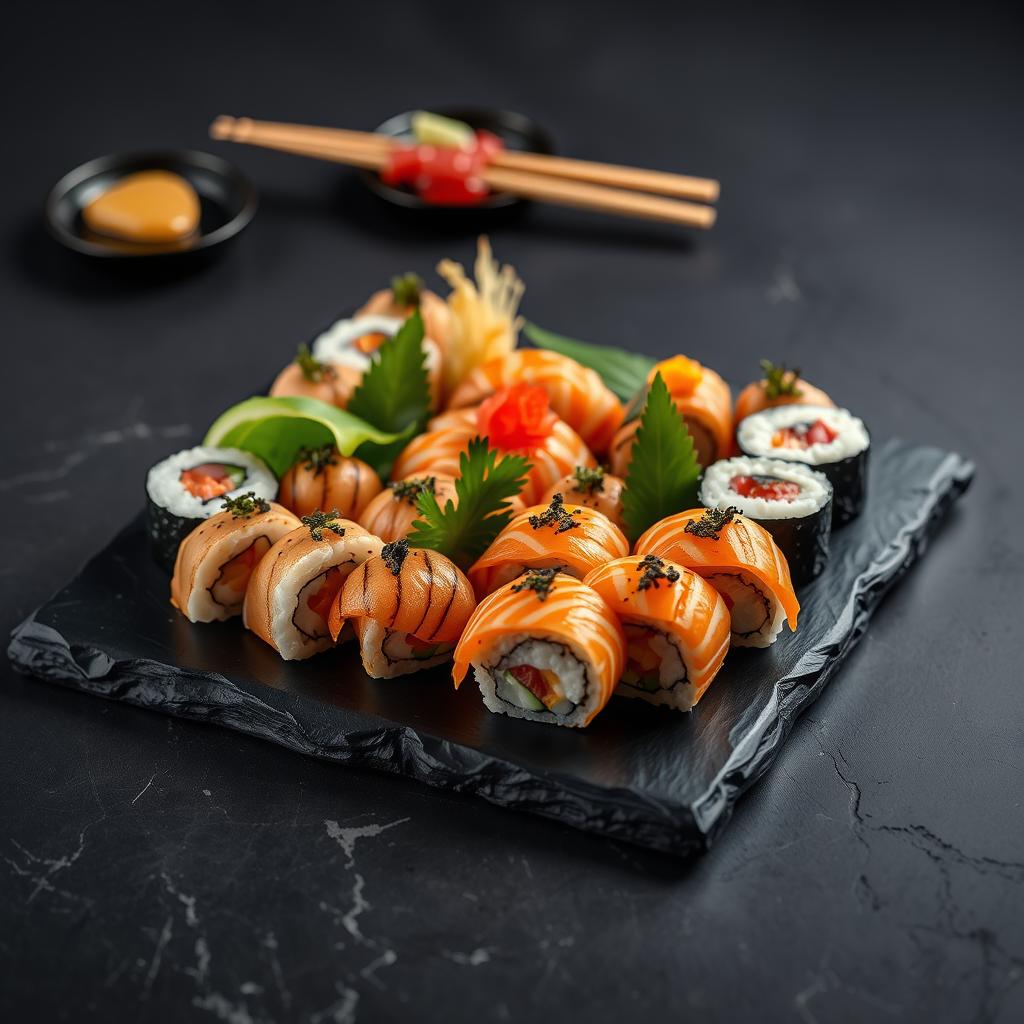
"Gourmet sushi platter, professional food photography"

"Woman scientist in a modern lab, natural lighting"
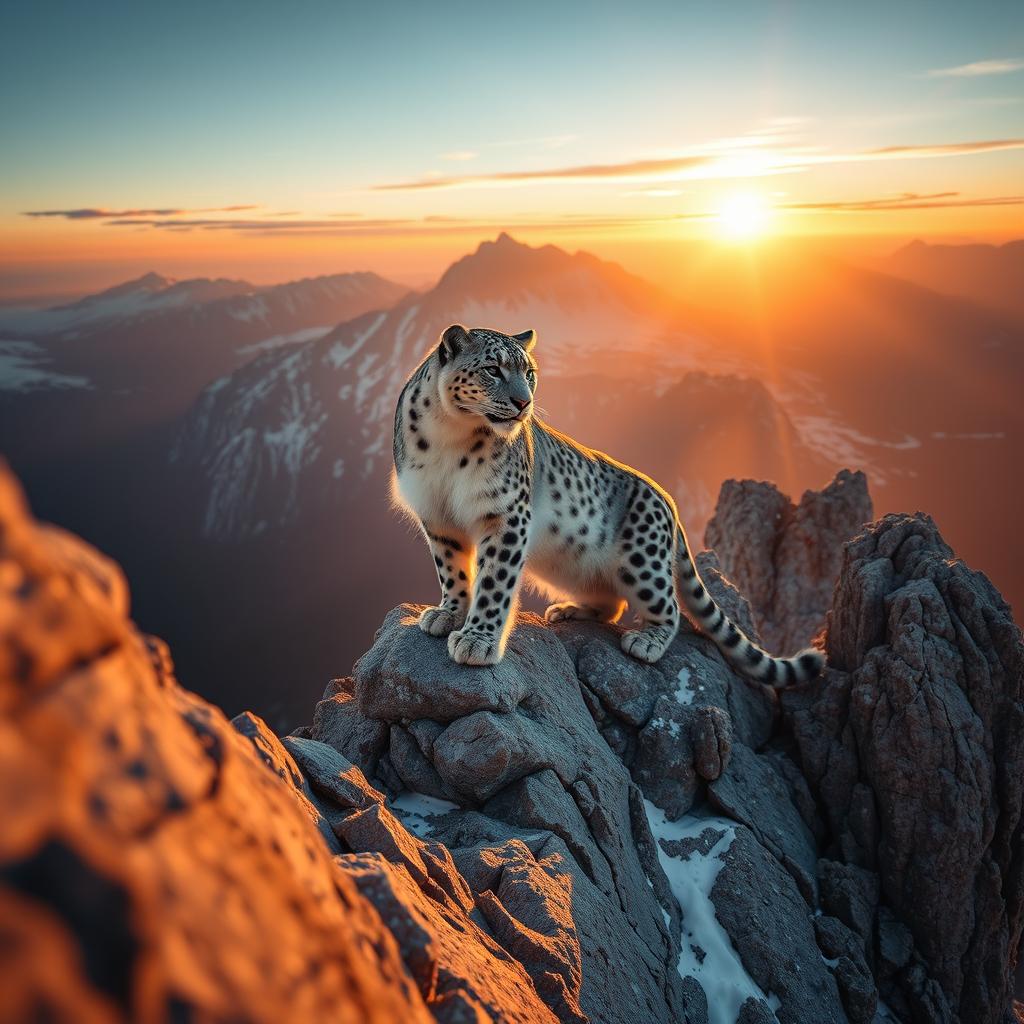
"Snow leopard on mountain peak at dawn, golden rim light"
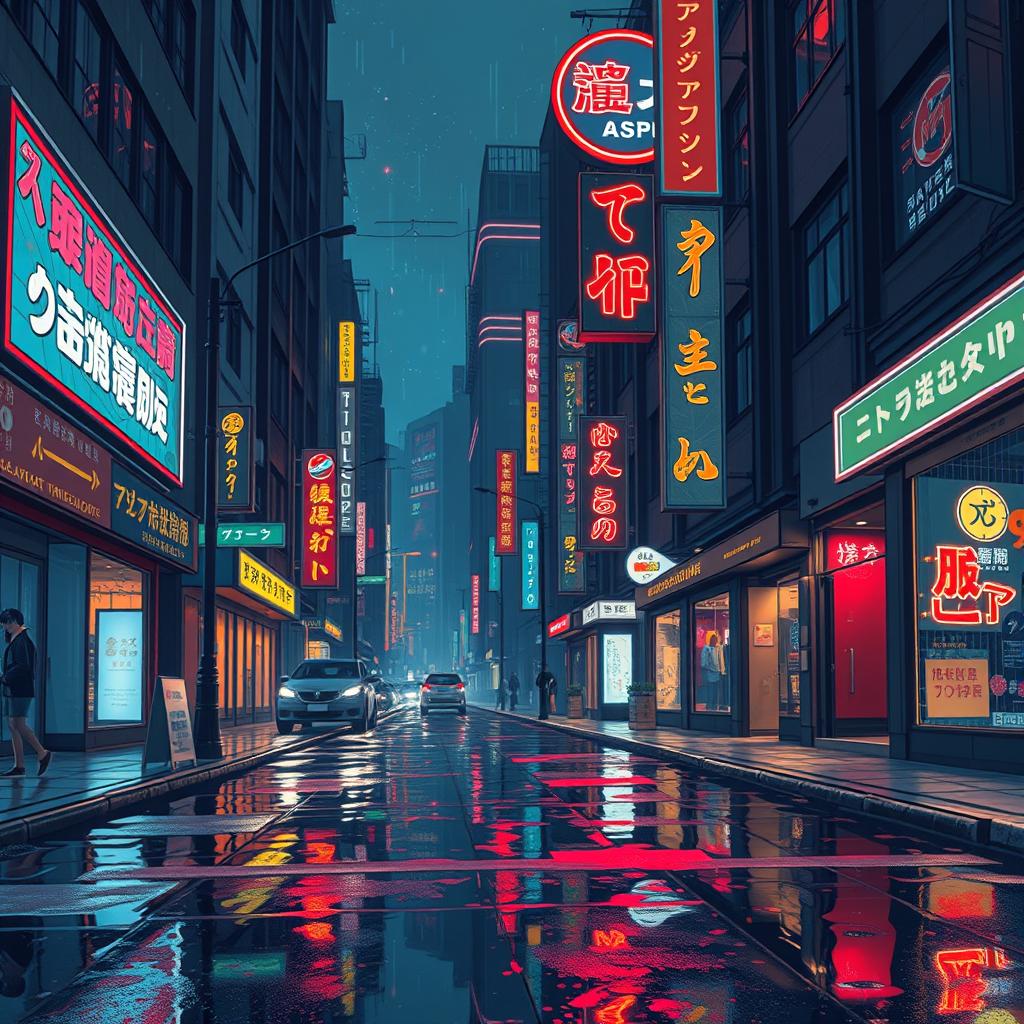
"Cyberpunk city at night, neon signs, rain reflections"
Animation simulates the diffusion denoising process at recorded generation speed. Actual generation requires GPU hardware or cloud service.
how much VRAM do I need to run Stable Diffusion 1.5 (GGUF)?
Stable Diffusion 1.5 (GGUF) requires 2.13 GB VRAM minimum with Q4_0 quantization. For full precision you need 2.25 GB.
which quant should I pick?
Q4_K_M is the best quality/VRAM balance — ~92% of FP16 quality at ~25% the footprint. Q8_0 is near-lossless if you have the headroom.
What GPU do I need to run Stable Diffusion 1.5 (GGUF)?
To run Stable Diffusion 1.5 (GGUF), you need a GPU with at least 2.1 GB to 2.3 GB of VRAM, depending on the quantization level.
Is Stable Diffusion 1.5 (GGUF) good for coding?
Stable Diffusion 1.5 (GGUF) is primarily designed for generating images, not for coding tasks. It excels in creating high-quality visual content.
Stable Diffusion 1.5 (GGUF) vs Llama 3.1 8B?
Stable Diffusion 1.5 (GGUF) is an image generation model, while Llama 3.1 8B is a text-based language model. They serve different purposes and are not directly comparable.
Can I run Stable Diffusion 1.5 (GGUF) on a Mac?
Yes, you can run Stable Diffusion 1.5 (GGUF) on a Mac using Metal acceleration, which is supported by the stable-diffusion.cpp framework.
How much VRAM does Stable Diffusion 1.5 (GGUF) need?
Stable Diffusion 1.5 (GGUF) requires between 2.1 GB to 2.3 GB of VRAM, depending on the quantization level used.
Is Stable Diffusion 1.5 (GGUF) censored?
Stable Diffusion 1.5 (GGUF) follows the CreativeML OpenRail-M license, which includes guidelines to avoid generating harmful, unethical, or biased content.
Is Stable Diffusion 1.5 (GGUF) commercial-use allowed?
Yes, Stable Diffusion 1.5 (GGUF) can be used commercially under the terms of the CreativeML OpenRail-M license, provided you comply with its guidelines.
Stable Diffusion 1.5 (GGUF) context length?
The context length for Stable Diffusion 1.5 (GGUF) is not applicable as it is an image generation model, not a text-based model.
Does Stable Diffusion 1.5 (GGUF) support function calling?
No, Stable Diffusion 1.5 (GGUF) does not support function calling as it is an image generation model and not designed for text-based interactions.
Stable Diffusion 1.5 (GGUF) quantization options?
Stable Diffusion 1.5 (GGUF) supports various quantization levels, including 4-bit, 8-bit, and 16-bit, to optimize for different VRAM and performance requirements.
Can Stable Diffusion 1.5 (GGUF) run on CPU?
While Stable Diffusion 1.5 (GGUF) can technically run on a CPU, it is highly recommended to use a GPU for better performance and faster inference times.
Stable Diffusion 1.5 (GGUF) fine-tuning?
Yes, you can fine-tune Stable Diffusion 1.5 (GGUF) to generate more specific or customized images, but this requires additional data and training resources.
Stable Diffusion 1.5 (GGUF) system requirements?
To run Stable Diffusion 1.5 (GGUF), you need a GPU with at least 2.1 GB to 2.3 GB of VRAM, a modern CPU, and sufficient RAM (at least 8 GB).
Stable Diffusion 1.5 (GGUF) performance benchmark?
Performance benchmarks for Stable Diffusion 1.5 (GGUF) vary based on hardware, but a typical GPU like the NVIDIA RTX 3060 can generate images in about 10-15 seconds.
Stable Diffusion 1.5 (GGUF) for RAG?
Stable Diffusion 1.5 (GGUF) is not suitable for Retrieval-Augmented Generation (RAG) as it is an image generation model, not a text-based retrieval system.
Stable Diffusion 1.5 (GGUF) for agents?
Stable Diffusion 1.5 (GGUF) can be integrated into agents for generating visual content, but it is not designed for agent-based decision-making or text interactions.
Stable Diffusion 1.5 (GGUF) for coding vs general?
Stable Diffusion 1.5 (GGUF) is not suitable for coding tasks; it is designed for general image generation and creative visual projects.
Stable Diffusion 1.5 (GGUF) vs ChatGPT?
Stable Diffusion 1.5 (GGUF) generates images, while ChatGPT is a text-based conversational model. They serve different purposes and are not directly comparable.
Stable Diffusion 1.5 (GGUF) download size?
The download size for Stable Diffusion 1.5 (GGUF) is approximately 1.7 GB, depending on the quantization level and additional dependencies.
Best quant for Stable Diffusion 1.5 (GGUF)?
The best quantization level depends on your hardware and performance needs. 8-bit quantization offers a good balance between VRAM usage and image quality, while 4-bit is more memory-efficient but may have slightly lower quality.